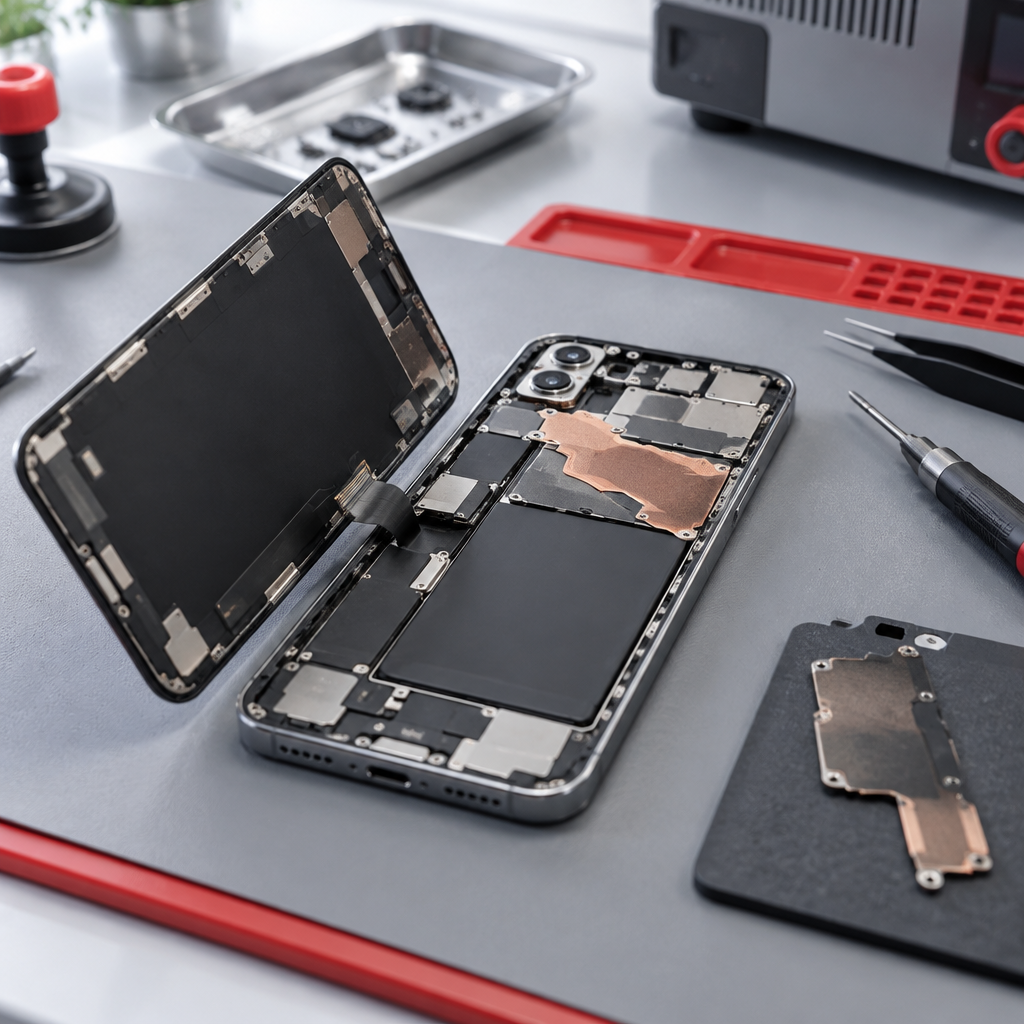
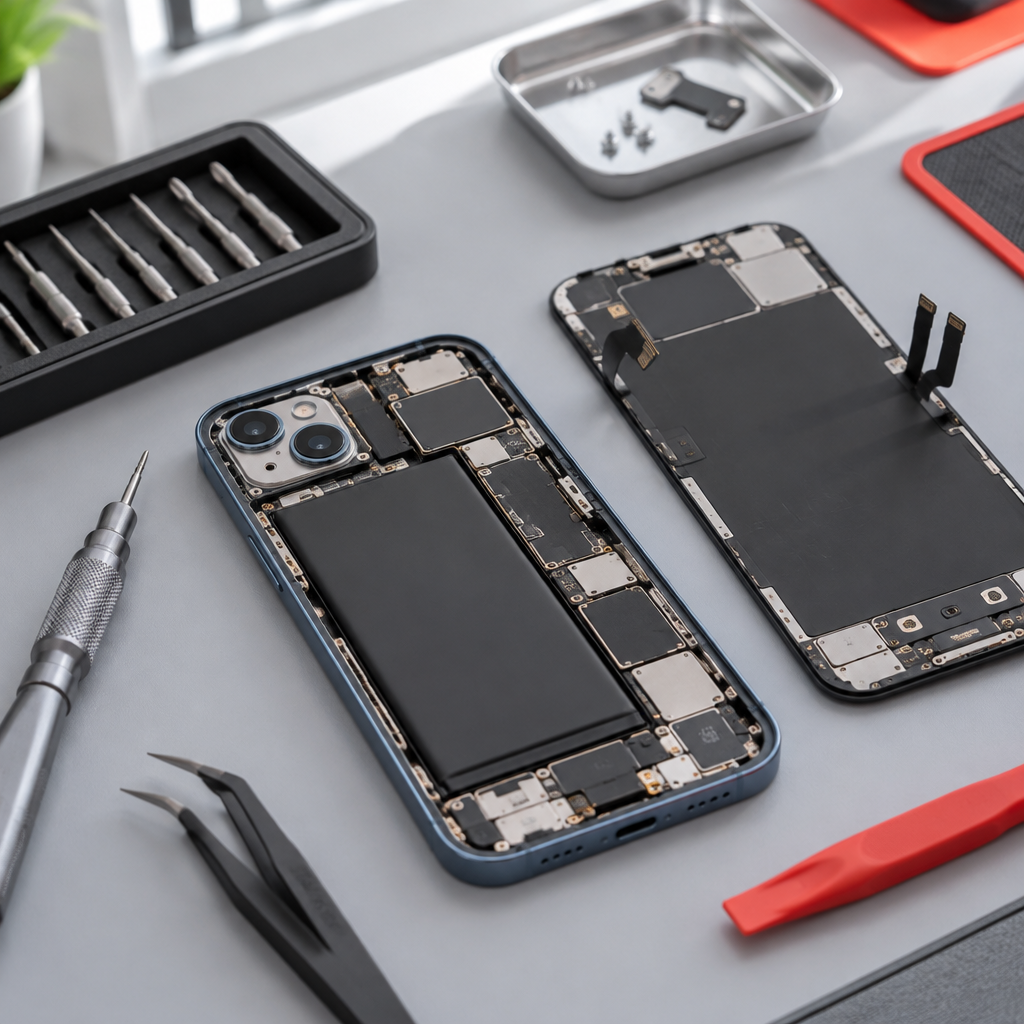
guide
iPhone 16 Camera Focus Issues: A Diagnostic Guide
4 min read
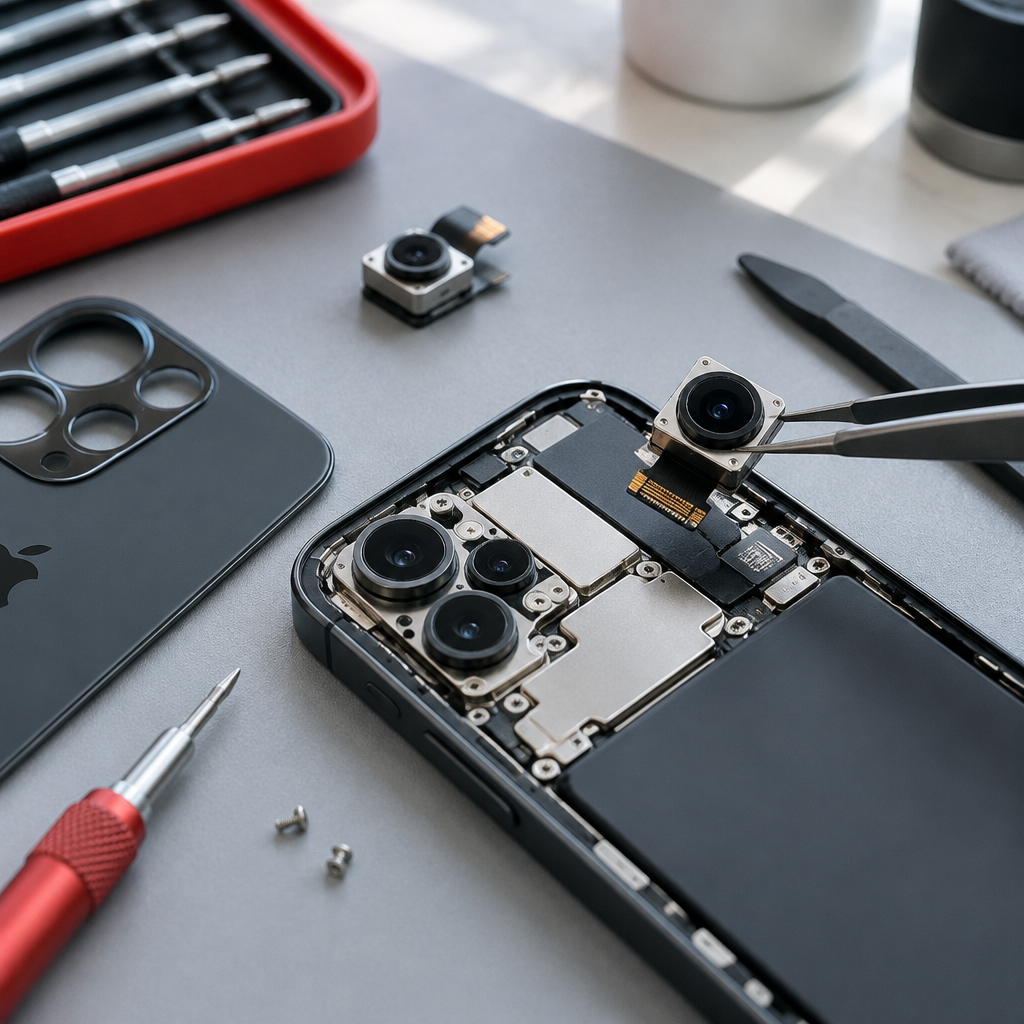
Experiencing blur or focus issues on your iPhone 16? Learn how to document these camera faults for an accurate diagnostic assessment before visiting our workshop.
Understanding iPhone 16 Camera Blur
If your iPhone 16 camera is producing blurry images or struggling to lock onto a subject, the first step is to distinguish between a software glitch and a hardware fault. Before assuming the module requires replacement, ensure the exterior lens glass is free from debris, fingerprints, or protective cases that might obstruct the sensors.
Hardware-based focus issues often manifest as a constant 'searching' movement or a persistent soft-focus haze regardless of the lighting conditions. If you notice a clicking noise when the camera attempts to focus, or if the view remains blurry even when tapping different areas on the screen, these are clear indicators that an iPhone diagnostics check is needed. Note that because we source quality parts from various suppliers, we cannot make blanket claims about components being 'original' or 'OEM', but we ensure every fitted part is tested for performance and comes with a one-year warranty against defects.
Documenting Faults for Workshop Assessment
When preparing to show us the problem, consistency is key. We recommend taking three types of images to help us understand the failure:
- Macro Comparison: Take a picture of text at close range (within 10cm). If the text remains blurry despite the camera icon indicating a focus lock, save this image.
- Landscape Stability: Take a photo of a high-contrast stationary object at distance, such as a road sign or building edge.
- Video Evidence: Record a 10-second video while toggling between the 0.5x, 1x, and 5x zoom levels. Note if the blur occurs on all lenses or just one specific camera module, as this helps pinpoint if the issue is a software calibration error or a physical failure within the lens assembly.
Crucial Steps Before Your Visit
Safety and privacy are paramount when dealing with any electronic repair. Please review the official guidelines for performing a backup/privacy before service to ensure your personal data is secure.
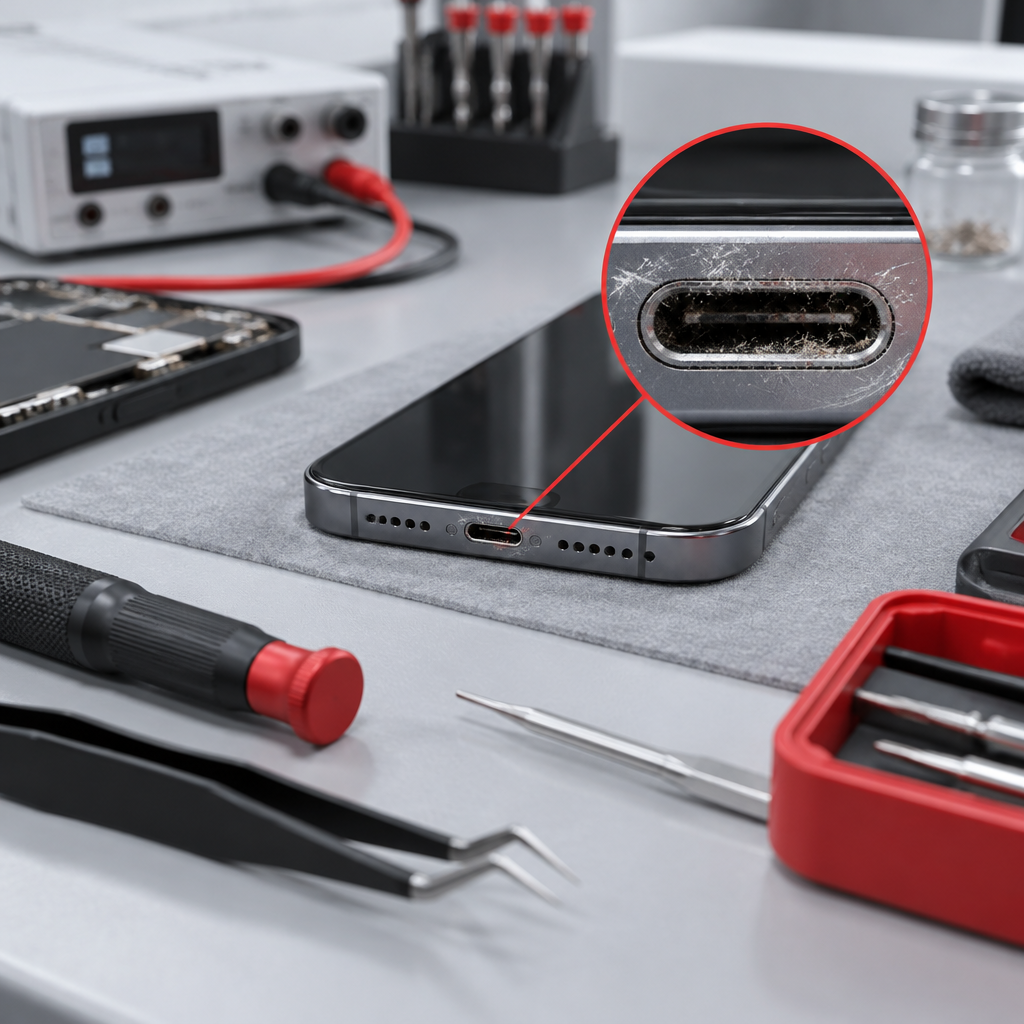
If you have recently exposed the device to moisture, check for liquid alerts or debris. Never attempt to force a cleaning solution into the lens housing or charging port. For battery-related safety concerns, always refer to trained battery service standards rather than attempting home fixes. Once you are ready, you can view the iPhone 16 repair prices on our website to understand the potential scope of the work.
Preparing for Your Visit to Fuengirola
Our workshop is based in a private home in Fuengirola. We are not a high-street store, and as such, we cannot offer walk-in services.
- Check Availability: All visits must be confirmed in writing. A booking request is just a request; wait for our reply before setting off.
- Be Patient: We may not always be available to accommodate last-minute repairs.
- Documentation: Bring your documented samples of the blur, as this significantly speeds up the intake process.
If you are ready to start the process, please submit your Fuengirola repair enquiries at our Fuengirola workshop through our contact page. We will review your case, provide necessary safety instructions, and confirm whether we can assist with your specific iPhone 16 camera requirements.
Discuss your repair before travelling
Ask about iPhone diagnostics. See Fuengirola repair enquiries at our Fuengirola workshop for local information. See iPhone 16 repair prices before arranging a visit.
We work from a home workshop in Fuengirola, not a walk-in shop. Request an appointment and wait for our reply before travelling: a request is not confirmed until we get back to you, and we cannot always be available. iPad and MacBook repairs are quote-only. Every fitted repair part has a one-year warranty beginning on the repair date; new accidental damage is excluded. Liquid-damage cleaning is not a guaranteed repair or recovery.
For your next step, see Mijas repair enquiries at our Fuengirola workshop.
Need this repair? Check your price
iBrokeIt.shop · Fuengirola