guide
Documenting iPad Camera Focus and Blur Issues
5 min read
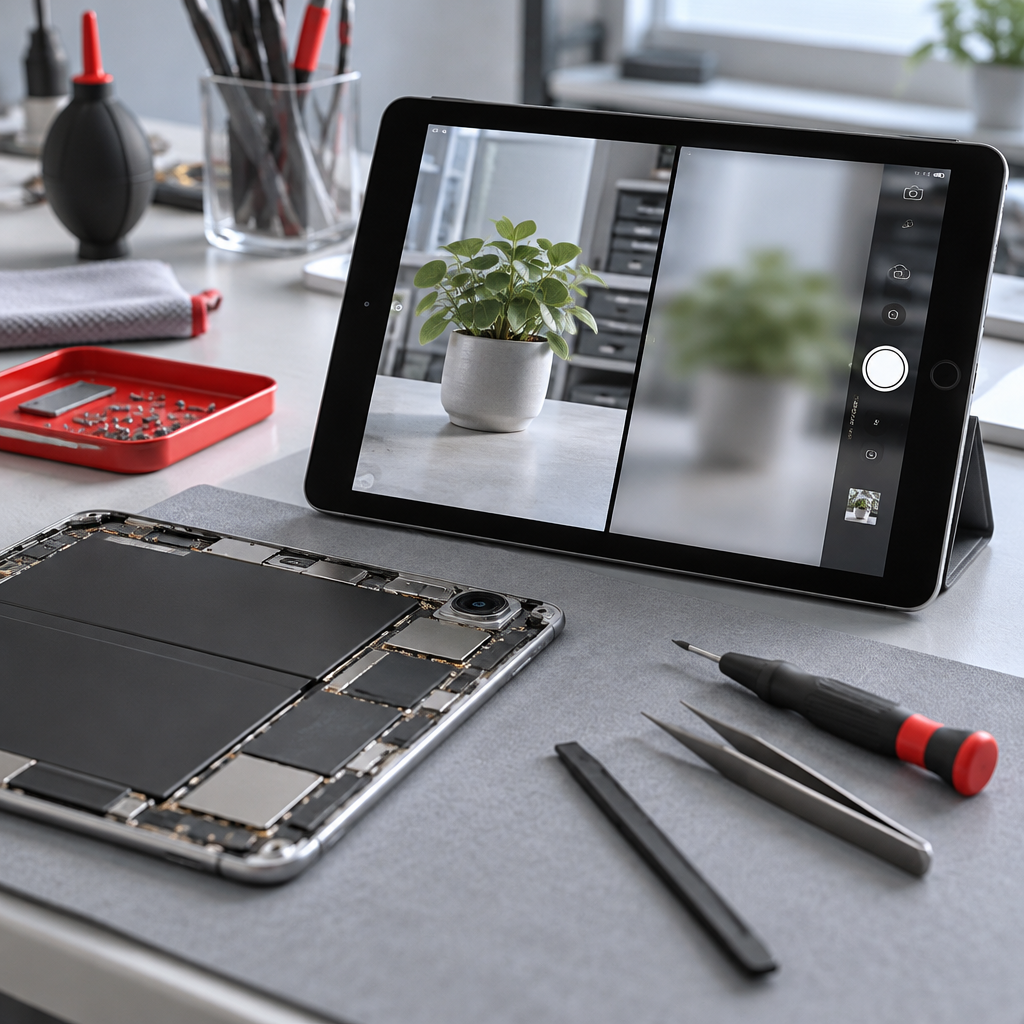
Is your iPad camera struggling to focus? Learn how to document focus failures correctly before visiting our Fuengirola workshop for a professional assessment.
Understanding iPad Camera Blur
If your iPad camera is producing blurred images or struggling to lock onto a subject, it can be incredibly frustrating. While many users immediately suspect a broken lens or sensor, the issue is sometimes software-related or caused by external obstructions. At our home workshop, we find that a systematic approach to identifying the fault helps us provide more accurate iPad repair quotes for your specific model.
Documenting the Focus Problem
Before you reach out, spend a few minutes testing the camera in different environments. This information is vital for a technician to understand if the fault is mechanical or environmental. To document the issue, try these steps:
- The Lighting Test: Take a photo in very bright, natural daylight versus a dim indoor setting. If the camera focuses fine in bright light but struggles in the dark, the sensor may simply be reaching its hardware limitations.
- The Manual Focus Check: Open the camera app and tap on various objects on your screen. Does the camera respond by adjusting the focus ring or shifting the depth of field? If the screen remains unresponsive to your touch, we need to consider if the touch digitiser or the camera software is the culprit.
- Obstruction Inspection: Ensure the lens is perfectly clean and that no protective case is partially obscuring the camera's field of view or laser sensors.
Preparing for a Workshop Assessment
If the camera remains blurry, you should perform some basic digital housekeeping. Before service, it is critical to back up your iPad to ensure your photos and documents are safe, as the repair process can sometimes necessitate a device reset. If you suspect your device has been exposed to liquid, check for Apple’s liquid detection alerts and keep the device powered off to prevent short circuits.
When you are ready, you can contact the Fuengirola workshop to discuss your findings. Please remember that we operate from a home-based location and visits are strictly by appointment only. Do not travel until you have received a direct confirmation from us, as we cannot accommodate walk-ins or unexpected arrivals.
Checklist Before Your Visit
To ensure our time together is productive, please follow these steps before booking your visit for Fuengirola repair enquiries at our Fuengirola workshop:
- Back up your data: Follow the official Apple preparation guide to ensure your information is secure.
- Disable security features: If possible, sign out of Find My iPad to allow for testing.
- Note the fault details: Provide us with a brief summary of when the blurring began and if it coincided with any specific events like a drop or a software update.
- Check battery safety: If the device appears swollen or the screen is lifting, treat the device with extreme caution and follow trained battery service guidelines. Never attempt to force a battery open.
Repair Warranties and Parts
We focus on professional service and transparency. Every part fitted during an iPad repair comes with a one-year warranty starting from the date of the repair. Please note that this warranty covers the part itself but does not extend to new accidental damage. We strive to use high-quality components, though, as with all independent repairs, we cannot guarantee the exact origin of every part as 'original' or 'OEM' in the way a manufacturer might, but we ensure all parts meet our quality standards for functionality.
Remember, a booking request is not a confirmed appointment. We will review your enquiry and get back to you to confirm if and when we can see you at our Fuengirola workshop.
Discuss your repair before travelling
Ask about iPad repair quotes. See Fuengirola repair enquiries at our Fuengirola workshop for local information. See contact the Fuengirola workshop before arranging a visit.
We work from a home workshop in Fuengirola, not a walk-in shop. Request an appointment and wait for our reply before travelling: a request is not confirmed until we get back to you, and we cannot always be available. iPad and MacBook repairs are quote-only. Every fitted repair part has a one-year warranty beginning on the repair date; new accidental damage is excluded. Liquid-damage cleaning is not a guaranteed repair or recovery.
For your next step, see Mijas repair enquiries at our Fuengirola workshop.
Need this repair? Check your price
iBrokeIt.shop · Fuengirola