guide
Documenting MacBook Camera Blur for Repairs
4 min read
Learn how to document persistent MacBook camera focus issues and prepare your device for a professional diagnostic assessment at our home workshop.
Understanding MacBook Camera Focus Problems
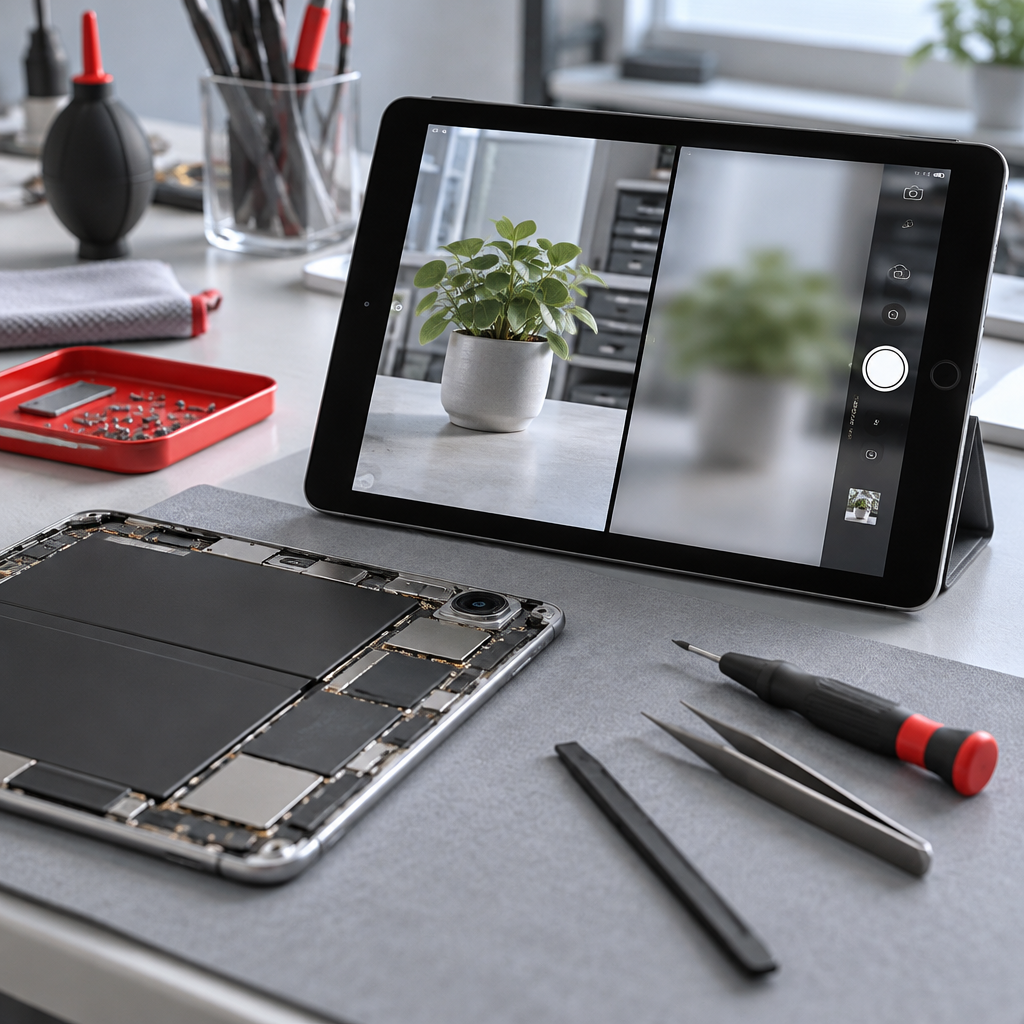
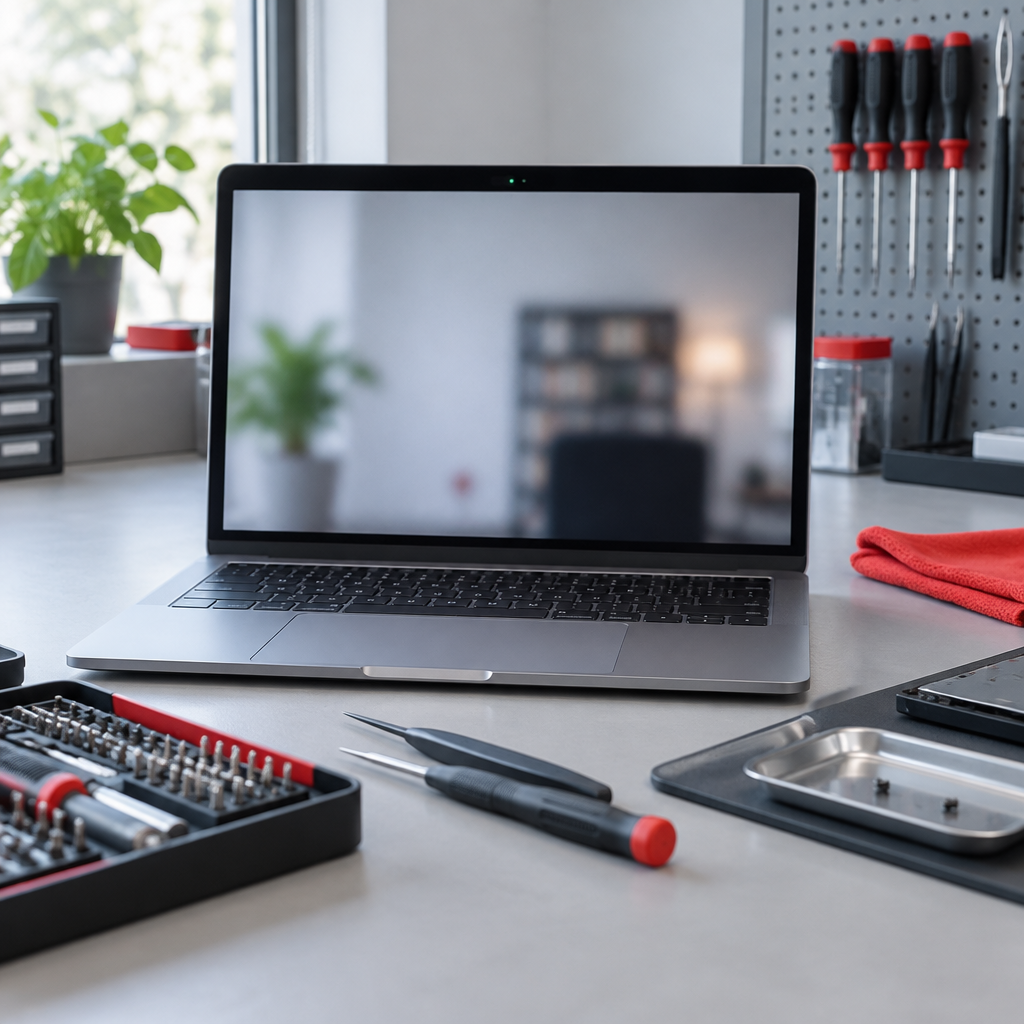
If your MacBook camera is producing soft, blurry, or unfocused images, it can be frustrating, especially if you rely on it for video calls. While some blur can be attributed to software settings or debris on the lens, persistent issues may indicate a hardware fault. At our home workshop in Fuengirola, we often see devices where the optical alignment or the sensor itself has encountered issues that require manual inspection. Because every device is different, we handle MacBook repair quotes on an individual basis, allowing us to assess the specific internal condition of your model rather than relying on guesswork.
How to Document the Fault for Assessment
To help us understand what is happening, please document the issue before your visit. A clear record of the problem makes the diagnostic process significantly more efficient:
- Use Multiple Apps: Test the camera in different applications, such as FaceTime, Photo Booth, and Zoom. Does the blur persist in all of them?
- Check for Lighting Variations: Note if the blur occurs in bright, natural light versus low-light conditions. Sometimes, sensors struggle to focus in dim environments.
- Capture Samples: Take a series of screenshots or video clips while trying to focus on a static, high-contrast object (like printed text) at varying distances.
- Check for Alerts: Look for any system notifications regarding hardware recognition or liquid alerts that might suggest internal contamination.
If you believe your device requires professional attention, please reach out to contact the Fuengirola workshop to begin the enquiry process. Remember, we operate from a home workshop, so please wait for a confirmed booking before travelling to us.
Preparing Your MacBook for Inspection
Before bringing your device in, security and safety are paramount. We do not require your account passwords; we only need a functional, accessible device to test the hardware. However, it is essential that you follow best practices to protect your information and hardware:
- Back Up Your Data: Always ensure you have a current backup of your data before any repair work begins. While we take every care, we do not provide data recovery services.
- Physical Integrity: Please ensure the device is free from external debris. Do not attempt to force open the casing or clean the interior yourself, as this can lead to further damage.
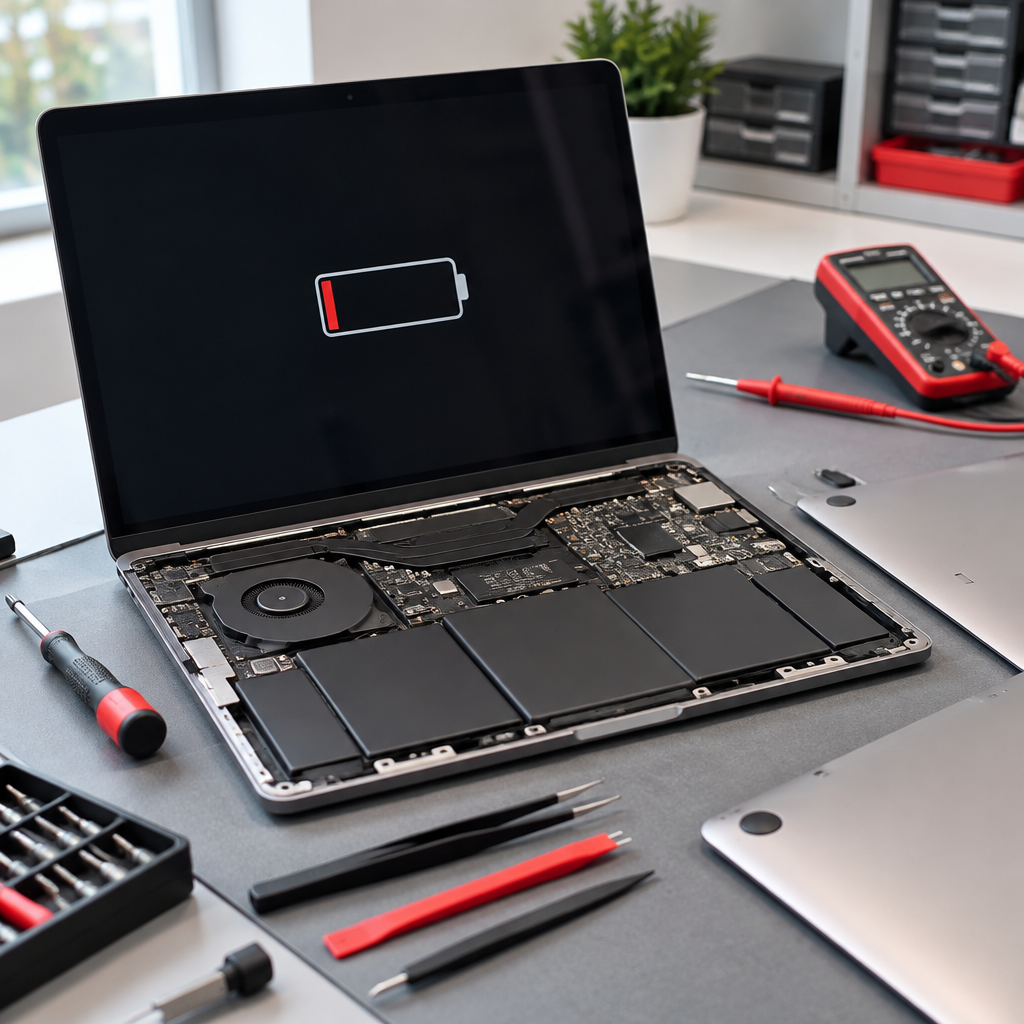
- Battery Safety: If your device shows signs of a swollen battery or internal heat, follow trained battery service protocols. Turn it off immediately and avoid plugging it into power.
Diagnostic Questions to Consider
When we review your device, we will look for signs of physical impact, dust ingress, or sensor failure. It is helpful if you can consider these questions:
- Has the laptop recently been dropped or subjected to pressure on the lid?
- Have there been any liquid spills near the screen or keyboard?
- Did the focus issue start suddenly after a software update or a physical bump?
Next Steps and Booking
We provide repair services, not a retail inventory, so we work on a quote-only basis to ensure you receive the most relevant solution for your specific Mac. Parts used for repairs carry a one-year warranty starting from the day of the repair, covering the component itself but not subsequent accidental damage.
Ready to get your camera looked at? For further information on our procedures or to arrange a time to visit, please review our Fuengirola repair enquiries at our Fuengirola workshop page. Please remember that all visits must be pre-confirmed by us; we cannot guarantee availability for walk-ins. We look forward to helping you get your MacBook back to clear, sharp performance.
Discuss your repair before travelling
Ask about MacBook repair quotes. See Fuengirola repair enquiries at our Fuengirola workshop for local information. See contact the Fuengirola workshop before arranging a visit.
We work from a home workshop in Fuengirola, not a walk-in shop. Request an appointment and wait for our reply before travelling: a request is not confirmed until we get back to you, and we cannot always be available. iPad and MacBook repairs are quote-only. Every fitted repair part has a one-year warranty beginning on the repair date; new accidental damage is excluded. Liquid-damage cleaning is not a guaranteed repair or recovery.
Need this repair? Check your price
iBrokeIt.shop · Fuengirola