guide
Documenting iPhone 11 Camera Blur After Liquid Exposure
4 min read
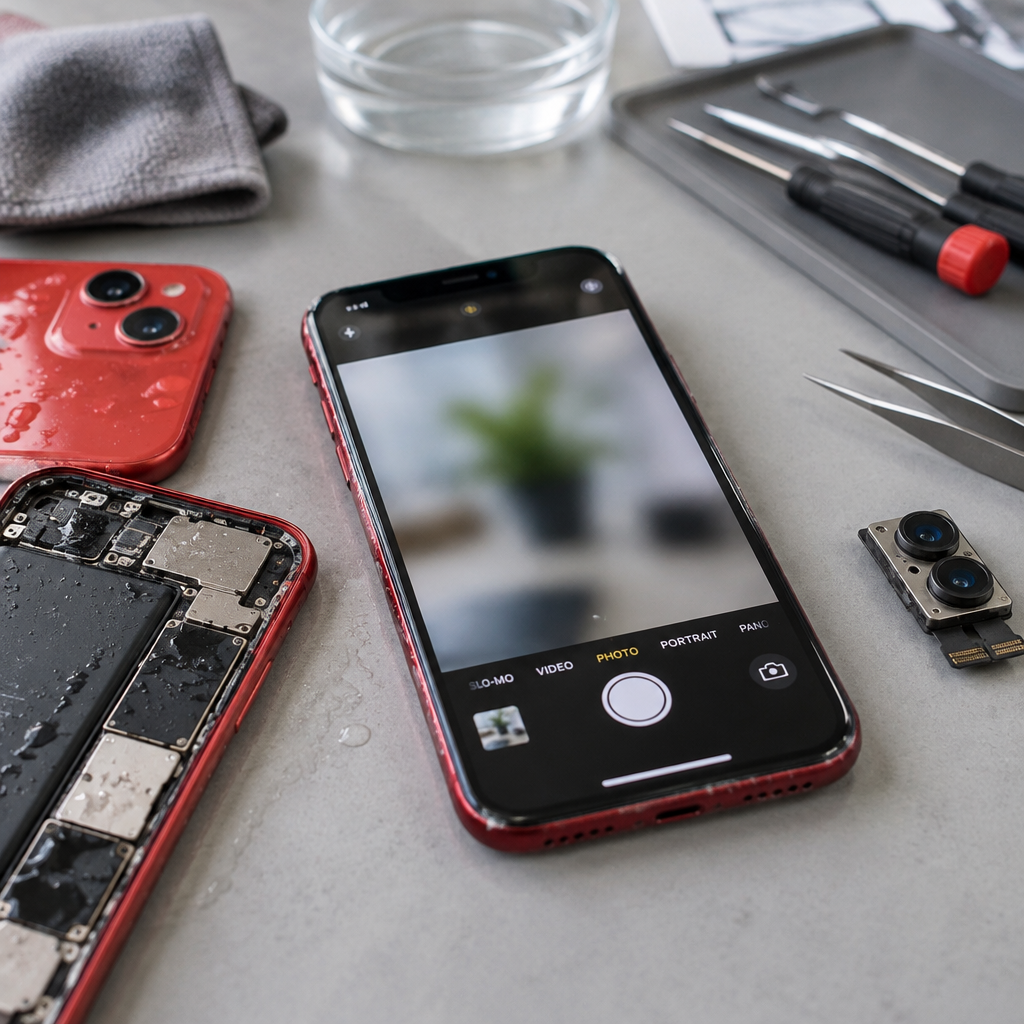
Is your iPhone 11 camera failing after water exposure? Learn how to document focus issues and prepare your device for a professional workshop assessment.
Understanding iPhone 11 Camera Blur After Liquid Contact
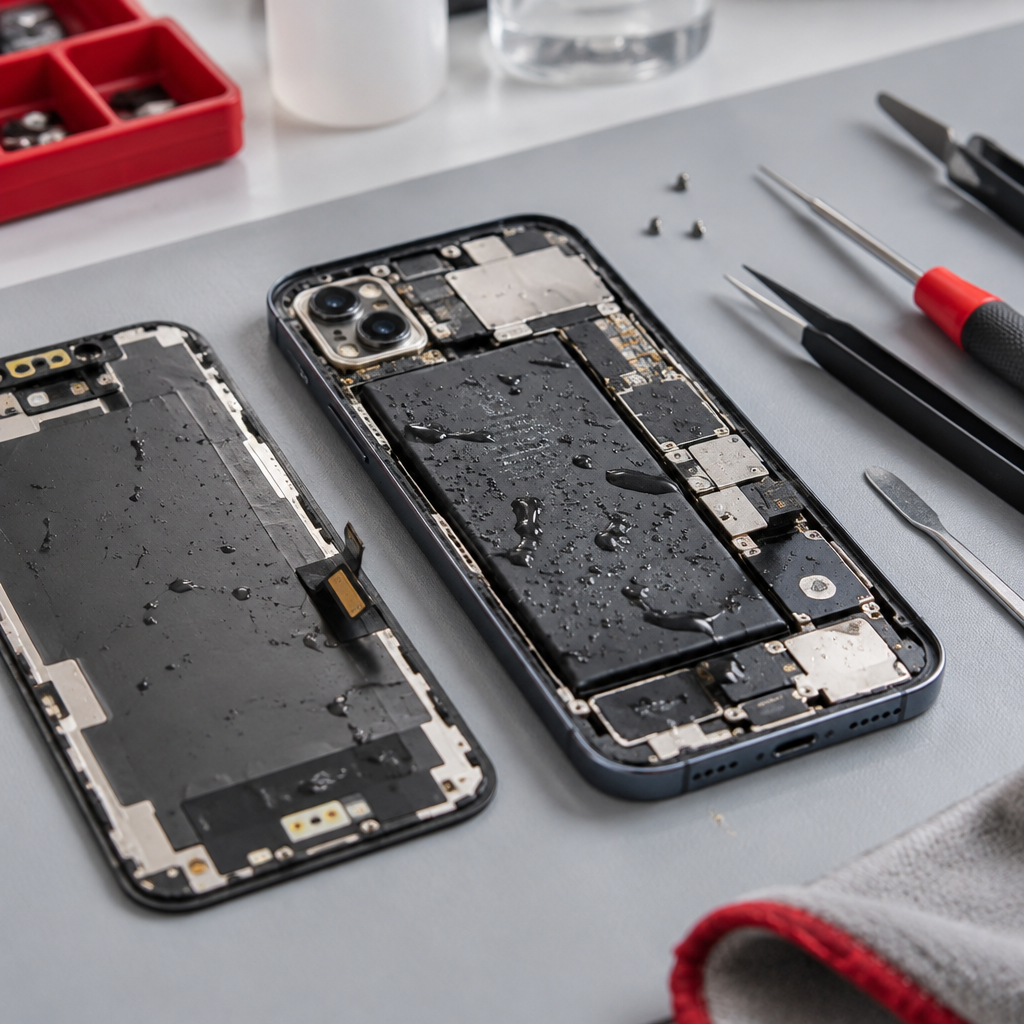
If your iPhone 11 has been exposed to moisture, you may notice that the camera exhibits persistent blur or struggles to lock onto a focus point. Liquid ingress can impact the delicate sensors and optical components within the camera module, leading to distortion or hardware failure. Because these systems are interconnected, it is vital to handle the device with care to avoid secondary electrical issues.
First, if your device shows a notification regarding liquid detection, you must follow Apple's safety guidance for liquid alerts to prevent further damage. Never attempt to force a charge or use external heat sources to dry the internal components, as this can cause irreversible harm.
Documenting Your Camera Issues
Before you seek a professional assessment, gather clear evidence of the fault. A blurry or unfocused camera can manifest in various ways. Take a series of high-contrast test photos of a static subject, both at close range and at a distance. If the focus hunts or remains perpetually out of focus regardless of distance, capture a screen recording of the camera interface in action. This helps us understand whether the failure is related to the sensor, the focus motor, or the external glass elements. Note that our iPhone liquid damage assessment process involves a non-refundable deposit to cover the time spent cleaning the device, with no guarantee of full functionality or data recovery.
Preparing for Your Workshop Visit
We operate from a home workshop in Fuengirola. To ensure your device is ready for inspection, please review our preparation checklist:
- Secure your data: Always create a full backup. You can follow these instructions for device privacy and backups to ensure your personal information is protected before service.
- Check battery safety: If the device exhibits bulging or extreme heat, handle it with extreme caution and follow Apple’s battery safety recommendations. Do not attempt to open the device yourself.
- Remove peripherals: Take off any bulky cases or screen protectors that might obstruct our diagnostic process.
- Disable security features: If possible, sign out of Find My or provide the passcode so we can verify the hardware functions after cleaning.
Requesting an Assessment
Because we are a home-based service, we cannot always be available. All visits require a prior confirmation; please do not travel to our location until you have received a reply from us. You can submit your Fuengirola repair enquiries at our Fuengirola workshop through our contact form. Once we receive your request, we will get in touch to discuss the next steps.
For general pricing information regarding standard parts replacement, please visit our iPhone 11 repair prices page. Please note that parts used for repairs are selected for quality, but we do not make blanket claims regarding original versus aftermarket status. Every fitted part is protected by a one-year warranty starting from the date of the repair, covering the part itself but excluding any new accidental damage caused by the user. We are here to help provide an honest assessment of your device's condition.
Discuss your repair before travelling
Ask about iPhone liquid damage assessment. See Fuengirola repair enquiries at our Fuengirola workshop for local information. See iPhone 11 repair prices before arranging a visit.
We work from a home workshop in Fuengirola, not a walk-in shop. Request an appointment and wait for our reply before travelling: a request is not confirmed until we get back to you, and we cannot always be available. iPad and MacBook repairs are quote-only. Every fitted repair part has a one-year warranty beginning on the repair date; new accidental damage is excluded. Liquid-damage cleaning is not a guaranteed repair or recovery.
For your next step, see Torremolinos repair enquiries at our Fuengirola workshop.
Need this repair? Check your price
iPhone 11 · Water damage clean · €79