guide
How to Fix iPhone Ghost Touch Without Guesswork
7 min read
Your iPhone starts opening apps, typing messages, scrolling maps or answering calls without you touching it. That is more than annoying when you rely.
Your iPhone starts opening apps, typing messages, scrolling maps or answering calls without you touching it. That is more than annoying when you rely on your phone for work, travel, banking and daily life on the Costa del Sol. Knowing how to fix iPhone ghost touch starts with separating a temporary software or accessory issue from a screen fault that needs proper repair.
Ghost touch is not one single problem. The same behaviour can be caused by a dirty or damaged screen protector, an unreliable charging cable, a software glitch, moisture, impact damage or a failing display digitiser. Start with the quick checks below, but do not keep using a phone that has a lifting screen, severe cracks or signs of water damage. Those symptoms can point to a bigger fault.
What iPhone ghost touch looks like
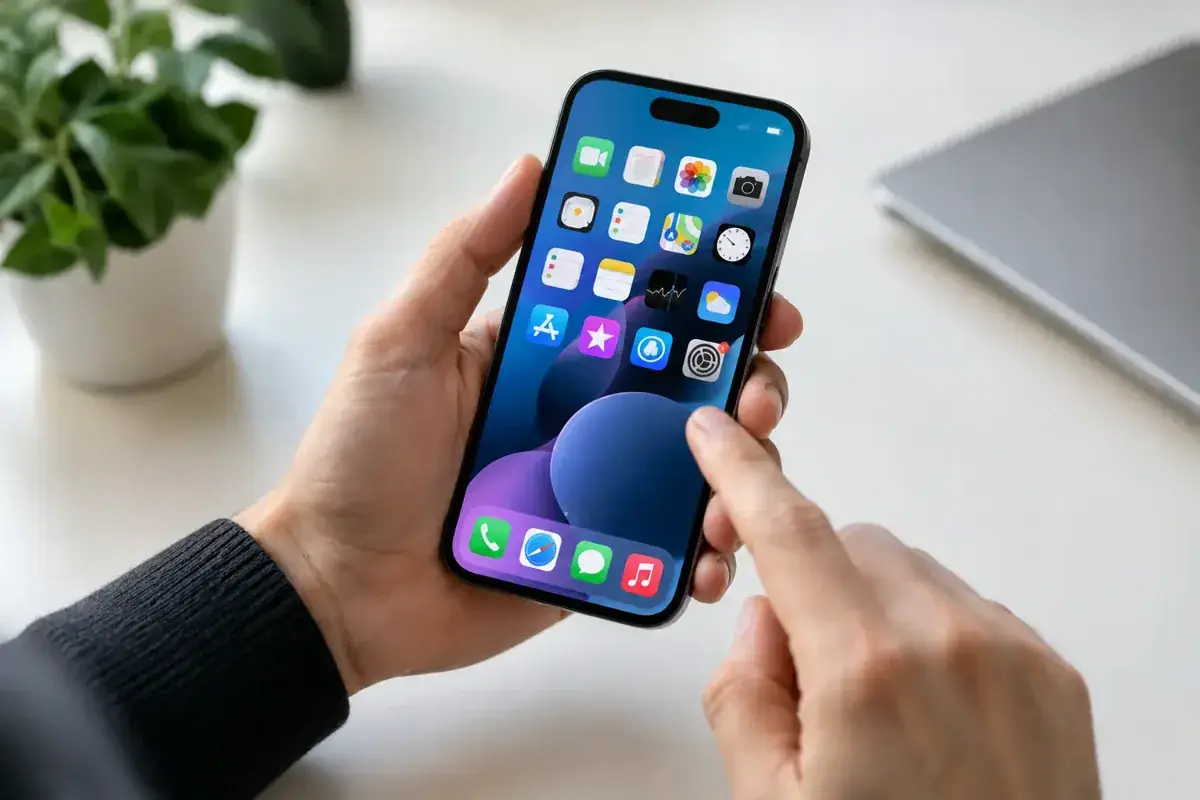
Ghost touch happens when the display registers taps, swipes or presses that you did not make. You may see random letters appear while typing, apps open by themselves, a screen that scrolls uncontrollably or an iPhone that refuses to respond where you actually touch it.
A one-off odd tap after an app freezes is usually not a major concern. Repeated phantom touches in the same area of the screen, especially after a drop or screen replacement, are much more likely to be hardware-related. If the issue only happens while charging, focus first on the charger and cable rather than assuming the screen has failed.
How to fix iPhone ghost touch with quick checks
Remove the charger and accessories
Unplug your iPhone from power and test it for a few minutes. Poor-quality, damaged or unsuitable charging equipment can create electrical interference that makes a touchscreen behave unpredictably. This is especially common with very cheap plugs, worn cables and car chargers.
If the ghost touch stops as soon as you unplug it, replace the cable or power adaptor with a dependable, properly certified option. Also remove any magnetic wallet, thick case or clip-on accessory that presses against the edge of the screen. A case should protect the phone, not put constant pressure on its display.
Clean the screen and remove the protector
Oil, moisture, salt residue and grime can confuse a touchscreen, particularly around cracks or chipped edges. Switch off the screen, then wipe it gently with a clean, dry microfibre cloth. Do not spray liquid directly onto the iPhone or push moisture into the speaker, buttons or charging port.
A cracked, badly fitted or low-quality screen protector can also cause false inputs. Remove it completely and test the display again before buying another one. If the problem disappears, fit a new protector carefully and make sure it is made for your exact iPhone model.
Force restart the iPhone
A force restart clears temporary system errors without deleting your data. On an iPhone with Face ID, quickly press and release Volume Up, quickly press and release Volume Down, then hold the Side button until the Apple logo appears. On many older Home button models, hold the Home and Side or Top button together until the Apple logo appears. iPhone 7 models use the Volume Down and Side button combination.
When the phone restarts, test it before opening every app again. If ghost touch began after one app crashed or after the phone overheated, a restart may be all it needs.
Update iOS and the affected apps
If your screen behaves normally most of the time but starts acting strangely in one app, update both iOS and that app. Software updates can correct display responsiveness bugs, app conflicts and stability problems.
Make sure there is enough free storage first. An iPhone with virtually no available storage can become sluggish and unstable, which sometimes feels like a touch problem even when the display is healthy. If the issue began immediately after an iOS update, restart the phone again and give it time to complete background tasks before deciding it is a hardware failure.
Check your touch settings
Go to Accessibility and review Touch settings, especially Touch Accommodations. This feature is useful for some users, but changed settings can alter how the iPhone interprets taps, holds and repeated touches. If you did not deliberately configure it, turn it off and test the screen.
This will not repair a damaged display, but it rules out an easy setting-related cause. It is also worth checking whether the behaviour happens in every app and on the Lock Screen. If it does, the problem is unlikely to be limited to an app.
When ghost touch means the screen needs repair
The touchscreen is part of the display assembly. Beneath the glass, the digitiser detects where your finger touches. A hard impact, internal pressure, moisture, heat damage or a poor previous repair can interrupt that layer and cause random inputs.
The signs are usually clear: ghost touches keep returning after a restart, one section of the screen does not respond, lines or black patches appear, the display flickers, or the problem started after a drop. A display can look almost perfect from the outside and still have internal digitiser damage.
This is not a fault that an app can fix. Replacing the screen assembly is normally the correct repair, after checking the device for related damage to connectors or the board. The quality of the replacement matters. A badly fitted or low-grade screen may have poor touch response, weak brightness, inaccurate colour or reduced durability. It can turn an urgent repair into the same problem a few weeks later.
If your iPhone had a screen replaced elsewhere and ghost touch started soon afterwards, do not ignore it. The display may be defective, the connection may need inspection, or the repair may not have addressed damage caused by the original impact. A proper diagnostic should identify the cause before money is spent on unnecessary parts.
Treat water damage and swollen batteries seriously
Ghost touch after rain, a spill, pool water or humidity exposure needs urgent attention. Even if the phone still works, liquid can corrode display connections over time. Do not charge it, do not use a hairdryer and do not keep pressing the screen in an attempt to make it respond. Switch it off where possible and arrange an inspection.
A screen that is lifting away from the frame is another red flag. It may be a failed adhesive, but it can also mean the battery is swelling underneath. Stop using and charging the iPhone. Battery swelling is a safety issue, not a cosmetic one, and the device should be assessed promptly.
Protect your data before a repair
If the screen is still usable, back up your iPhone as soon as possible. Ghost touch can worsen quickly, and a display that starts entering incorrect passcodes may lock you out temporarily. Keep the phone connected to a trusted Wi-Fi network, back it up through your usual method and avoid repeatedly attempting your passcode if the screen is tapping by itself.
A standard screen repair should not erase your data, but a backup is still the sensible move before any device work. It protects your photos, messages, business contacts and travel details if a deeper fault is found.
Fast help for iPhone ghost touch on the Costa del Sol
At iBrokeIt, contact the Fuengirola home workshop for an assessment and wait for appointment confirmation before travelling. Repair suitability, parts and timing are confirmed individually.
For residents, remote workers and visitors from Fuengirola to Marbella, Benalmádena, Mijas and Málaga, a fast local repair can be far more practical than replacing an otherwise good iPhone. Ask for a clear assessment, quality replacement options and warranty cover before the work starts.
Your phone should respond when you touch it, not when it feels like it. Test the simple causes first, back up your data, and act quickly if the screen has been damaged, exposed to liquid or started lifting from the frame.
Ask about a repair at the Fuengirola workshop
Discuss how to fix iphone ghost touch without guesswork, see repair enquiries from Fuengirola, or contact iBrokeIt.
We work from home in Fuengirola, not a walk-in shop. Request an appointment and wait for our reply before travelling. Your appointment is not confirmed until we get back to you, and we cannot always be available. iPad and MacBook repairs are quote-only. Every fitted repair part has a one-year warranty beginning on the repair date; new accidental damage is excluded. iPhone liquid-damage cleaning starts at a €99 non-refundable deposit for cleaning only; parts and further work are quoted separately. Repair or data recovery is not guaranteed.
For your next step, see check your exact iPhone repair price.
Need this repair? Check your price
iBrokeIt.shop · Fuengirola