guide
Protect Your iPhone on Andalusian Beaches
4 min read
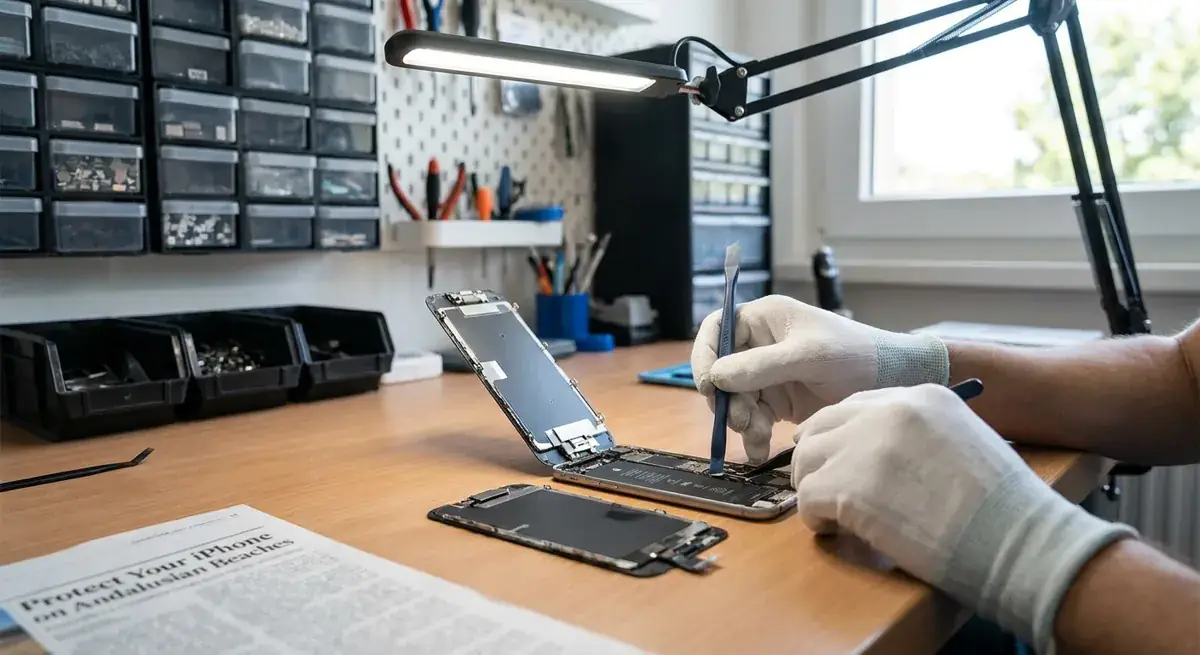
Keep your iPhone safe from sand, sea water and summer heat on Andalusian beaches, with practical prevention tips and advice if it gets wet.
A little preparation before you reach the beach
A day on the Costa del Sol can expose your iPhone to three things it handles poorly: abrasive sand, salty water and prolonged heat. Whether you are heading to Fuengirola, Marbella or La Cala, a few simple habits can reduce the risk of a damaged screen, charging problems or an overheating phone.
Water resistance is not the same as beach-proofing. An iPhone’s resistance can decline with age, drops and wear. Laboratory water-resistance ratings do not guarantee protection against waves, salt, sunscreen or fine sand.
Pack protection that suits the beach
- Use a well-fitting case with raised edges around the screen and cameras.
- Fit a screen protector to add a replaceable layer against scratches.
- Take a sealed, waterproof phone pouch suitable for your intended use. Check its instructions and test it without the phone inside before relying on it.
- Bring a clean microfibre cloth and keep it in a separate, sand-free pocket.
- Back up your iPhone before your holiday, rather than waiting until something goes wrong.
A pouch is only useful if its seal is clean and fully closed. Sand caught in the closure can compromise it, so open and close it away from blowing sand and splashing water.
Keep sand away from ports and glass
Putting your phone directly on a towel is not much protection: towels quickly collect grit. Keep it in a closed pouch or a clean, zipped compartment inside your bag when you are not using it.
Before picking it up, remove loose sand from your hands and dry them. Sunscreen and damp fingers help grit stick to the case and screen.
If your iPhone gets sandy
Do not rub a gritty screen with your towel. Sand can scratch glass and camera surfaces when dragged across them. Gently tip off loose grains first, then use a clean, soft cloth once visible grit is gone.
If sand reaches the charging port, avoid inserting a cable until it has been checked. Do not dig around with a pin, toothpick or cotton bud, and do not use compressed air. You could push debris further in or damage the contacts.
Remove the case carefully in a clean, dry place and check for trapped grains. Clean the case separately following its manufacturer’s guidance, and make sure it is dry before refitting it.
Treat sea water as a problem, not a test
Avoid taking an unprotected iPhone into the sea, even for a quick photograph. A wave can overwhelm your grip, and salt residue can contribute to corrosion after the outside looks dry.
Keep the phone away from the waterline and use dry hands for photos. If you need it near the sea, use an appropriate waterproof pouch, but remember that no accessory makes every situation safe.
What to do after a splash or dunk
- Move somewhere dry and disconnect any cables or accessories.
- If the phone has been submerged or you suspect liquid has entered, switch it off if possible.
- Wipe the exterior with a soft, lint-free cloth.
- With the connector facing down, gently tap the phone against your hand to help excess liquid escape, then leave it somewhere dry with airflow.
- Do not use rice, a hairdryer, a radiator or compressed air.
Do not plug it in while it may be wet, and do not override a liquid-detection warning. A dry-looking port does not prove that the inside is dry. Avoid wireless charging too if you suspect internal moisture.
After sea-water exposure, seek repair advice promptly rather than repeatedly switching it on to see whether it works. Tell the technician what happened and whether you have tried charging it. Follow the cleaning guidance for your specific iPhone model rather than improvising a rinse or soaking it.
Keep summer heat under control
Direct Andalusian sunshine can heat a phone quickly, particularly while it is recording video, navigating or charging. A parked car, dashboard or sunlit table is a poor storage spot.
Keep your iPhone in a shaded bag, away from hot surfaces. A waterproof pouch can trap heat, so do not leave it lying in the sun. If the phone becomes noticeably hot, stop demanding tasks and pause charging.
If a temperature warning appears
Stop using the phone and move it to a cooler, shaded place. Switch it off and let it cool naturally. Remove its case if you can do so without exposing it to sand or water.
Do not put it in a fridge, freezer or against ice packs: sudden cooling can cause condensation. Wait until it returns to a normal temperature before charging or using it again.
Book it
If your iPhone has charging trouble, a damaged screen or problems after a beach day, iBrokeIt.es is an independent repair workshop in central Fuengirola. Walk-ins are welcome Monday–Saturday, 09:30–20:00, with mobile technicians also serving Marbella, Benalmádena, Mijas, La Cala and the wider coast.
WhatsApp +34 655 424 075 or use the price finder on ibrokeit.es to arrange help.
For your next step, see iPhone diagnostics.
For your next step, see Fuengirola repair enquiries at our Fuengirola workshop.
For your next step, see check your exact iPhone repair price.
Need this repair? Check your price
iBrokeIt.shop · Fuengirola