guide
iPad Repair: When a Fast Fix Beats Replacement
7 min read
A cracked iPad screen is not just annoying when you are trying to read the news. It can stop a child’s schoolwork, interrupt a video call, leave a.
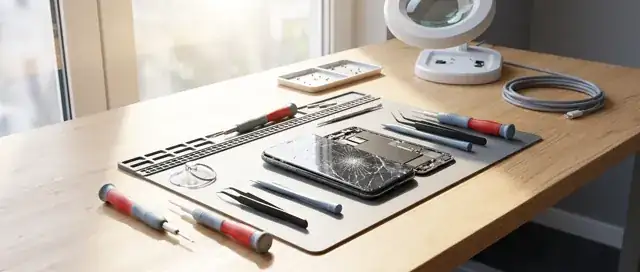
A cracked iPad screen is not just annoying when you are trying to read the news. It can stop a child’s schoolwork, interrupt a video call, leave a restaurant unable to take bookings or turn a holiday into a scramble for maps, tickets and emails. The right iPad repair can put that device back in your hands quickly, without paying for a brand-new tablet you may not need.
For many Costa del Sol residents, remote workers and visitors, an iPad is a work screen, travel companion and family device rolled into one. That is why the real question is not simply, “Can it be fixed?” It is whether the repair is worthwhile, how quickly it can be completed and whether the replacement parts will stand up to daily use.
When iPad Repair Makes More Sense Than Replacing It
A damaged iPad can look worse than it is. A shattered outer glass layer may leave the display, cameras and internal components working perfectly. A battery that drains too soon may be the only issue in a tablet that is otherwise fast and reliable. Even a charging problem can be caused by compacted dust or a worn port rather than a major board fault.
Repair is usually the smarter move when the device still does what you need it to do, the fault is limited to one area and the repair cost is comfortably below the cost of replacement. This is especially true for recent iPad, iPad Air, iPad mini and iPad Pro models. Replacing a screen, battery or charging port can extend the useful life of a good tablet by years.
There is also a practical environmental benefit. Keeping a device in service reduces unnecessary electronic waste and avoids the disruption of transferring files, apps, settings and accounts to another tablet. A fast repair is often the more economical decision too.
That said, repair is not automatically the right answer. If an older iPad has severe liquid damage, repeated faults, no longer supports the apps you rely on and needs several expensive parts, replacement may offer better value. A proper diagnosis should give you a clear answer before money is spent.
The iPad Problems That Need Prompt Attention
Some faults are obvious. Others start small and become expensive if you wait. A cracked screen should be assessed quickly, particularly if glass is loose, the display shows lines or dark patches, or touch input has become unreliable. Continued pressure can damage the LCD or OLED panel beneath the glass.
Battery issues deserve the same attention. An iPad that falls rapidly from 40% to 5%, gets unusually hot while charging or shuts down without warning is not behaving normally. Battery ageing is expected over time, but swelling is a different matter. If the screen appears to lift from the frame, stop using and charging the device. A swollen battery needs professional handling.
Charging faults are another common reason people search for iPad repair. Before assuming the port has failed, try a known-good cable and plug, inspect the port in good light and remove any visible lint without pushing metal objects inside. If the cable will only work at an angle, keeps disconnecting or the iPad does not respond at all, the port or charging circuitry may need attention.
Liquid exposure needs speed, not rice. Switch the iPad off if possible, disconnect accessories and avoid charging it. Rice does not remove corrosion from internal components, while heat can worsen damage. The sooner a technician can inspect and clean a water-damaged device, the better the chance of saving it.
What a Proper iPad Repair Should Include
A good repair starts with a fault check, not a guess. Screen damage can hide touch faults, frame distortion or display issues. A device that will not charge may have a port problem, battery fault, software issue or board-level damage. diagnostic assessment are valuable because they help you decide based on the actual fault rather than the loudest symptom.
Part quality matters too. The cheapest replacement screen may restore an image, yet disappoint with poor brightness, weaker colour, reduced touch response or a fragile finish. Battery quality affects more than runtime - it can influence charging behaviour, stability and how confidently you can rely on the iPad away from a plug socket.
At iBrokeit, repairs are approached with upgraded materials and specialist processes, including Nano Technology and Diamond Saffire Technology, designed to support screen strength, brightness and colour quality. The goal is not merely to make a damaged iPad switch on again. It is to return it to useful, dependable daily service.
A warranty should also be part of the conversation. It gives you meaningful protection if a part or repair-related issue develops after collection. Ask what is covered, how long the cover lasts and whether the repairer will test the iPad with you before you leave.
iPad Screen Repair: More Than Replacing Glass
Screen faults are the most visible, but they are not all the same. On some models, the front glass and display are separate components. On others, they are laminated together. That difference affects the repair method, price and turnaround time.
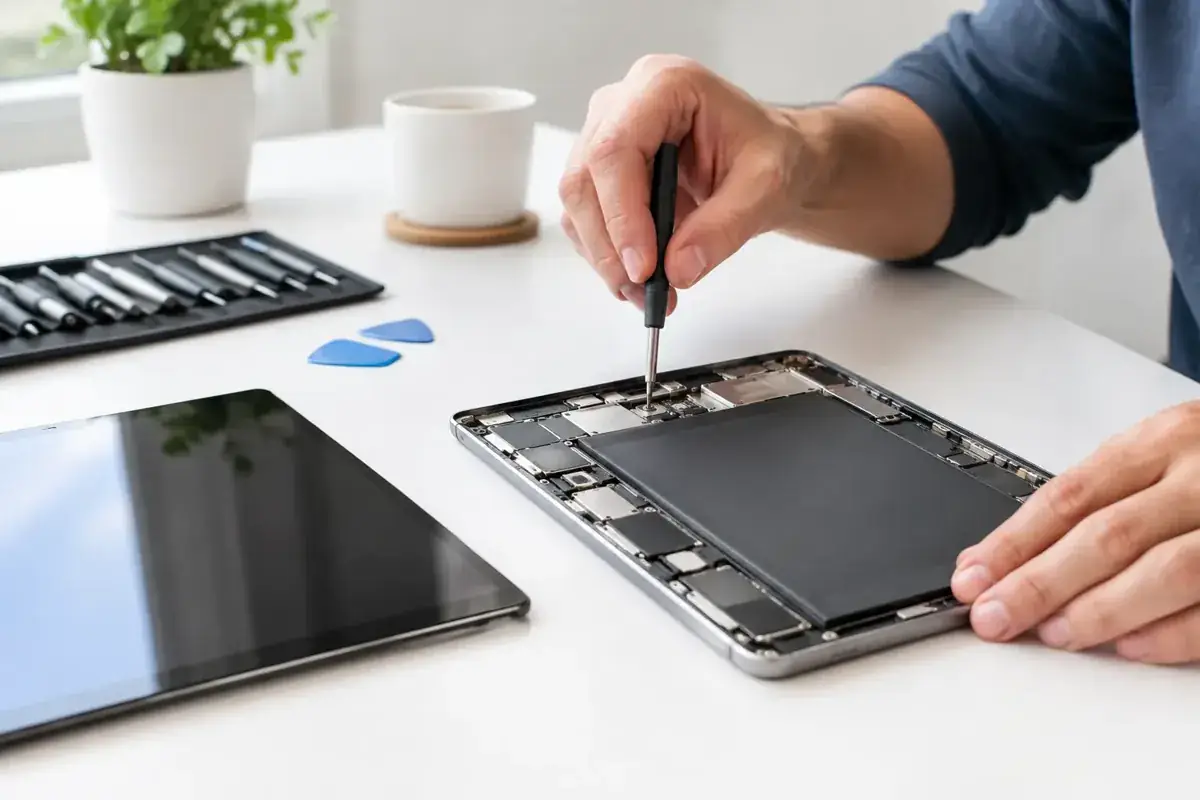
A screen repair should restore a clear image, accurate touch response and a secure fit around the frame. It should also preserve essential functions such as cameras, speakers, microphones, buttons and Face ID or Touch ID where relevant. If your iPad has bent corners after a drop, this should be checked before a new screen is fitted. A damaged frame can place pressure on replacement parts and cause repeat problems.
Do not keep using an iPad with sharp exposed glass just because the display still works. It is easy to cut fingers, damage the underlying panel or let moisture and debris enter through the broken surface. A quick assessment can establish whether the fault is straightforward or whether the display itself has been affected.
Battery, Charging and Software Faults
Not every slow iPad needs a new battery. Storage that is almost full, outdated software, demanding background activity and a weak Wi-Fi connection can all make a device feel tired. Start by checking available storage, restarting the iPad and installing the latest suitable software update. If performance remains poor alongside battery drain or unexpected shutdowns, a battery health issue becomes more likely.
Charging problems require the same common-sense approach. Test another cable and power adaptor first. If the iPad charges from one lead but not another, do not pay for a port repair. If it will not charge from any reliable setup, a technician can determine whether cleaning, port replacement or deeper electrical work is required.
Software support is useful when the device is stuck on the Apple logo, caught in a restart loop, failing to update or behaving strangely after an app installation. A reset may solve the issue, but only after your data has been backed up where possible. Resetting too early can turn a repairable software problem into a stressful data-recovery situation.
How to Prepare Your iPad Before a Repair
Back up the iPad to iCloud or a computer if it is still accessible. This protects photos, documents, messages and app data if the device needs restoring as part of the repair process. If touch is unreliable, connect a keyboard or use a trusted computer to make a backup where possible.
You should also know your Apple Account password and be ready to disable Find My if requested for diagnostics or repair. Never share your password with anyone. A legitimate repair service should not need it. Remove the case, Apple Pencil and SIM card if fitted, then describe the problem honestly, including any drops, liquid exposure or previous repairs. Those details help technicians diagnose the fault faster.
Fast Local Repairs Without the Runaround
When your iPad is part of your work, business or family routine, sending it away for days is rarely convenient. A local repair service can assess the fault, explain the practical options and, for many common issues, complete the work in as little as 15 to 30 minutes. Complex liquid or board-level faults may need longer, and any professional should say so upfront rather than make promises they cannot keep.
Whether you are in Fuengirola, Marbella, Mijas, Benalmádena or Málaga, do not let a broken iPad sit in a drawer while the fault gets worse. Get a clear diagnosis, weigh the repair against replacement and choose a fix built for the way you actually use your device. A working iPad is not a luxury when it keeps your plans, work and home life moving.
Ask about a repair at the Fuengirola workshop
Discuss ipad repair: when a fast fix beats replacement, see repair enquiries from Fuengirola, or contact iBrokeIt.
We work from home in Fuengirola, not a walk-in shop. Request an appointment and wait for our reply before travelling. Your appointment is not confirmed until we get back to you, and we cannot always be available. iPad and MacBook repairs are quote-only. Every fitted repair part has a one-year warranty beginning on the repair date; new accidental damage is excluded. iPhone liquid-damage cleaning starts at a €99 non-refundable deposit for cleaning only; parts and further work are quoted separately. Repair or data recovery is not guaranteed.
Need this repair? Check your price
iBrokeIt.shop · Fuengirola